BTOLens

Know your BTO unit before you choose it.

See the sun, the view and the neighbours for every home in the launch.

Illustration
A clearer picture

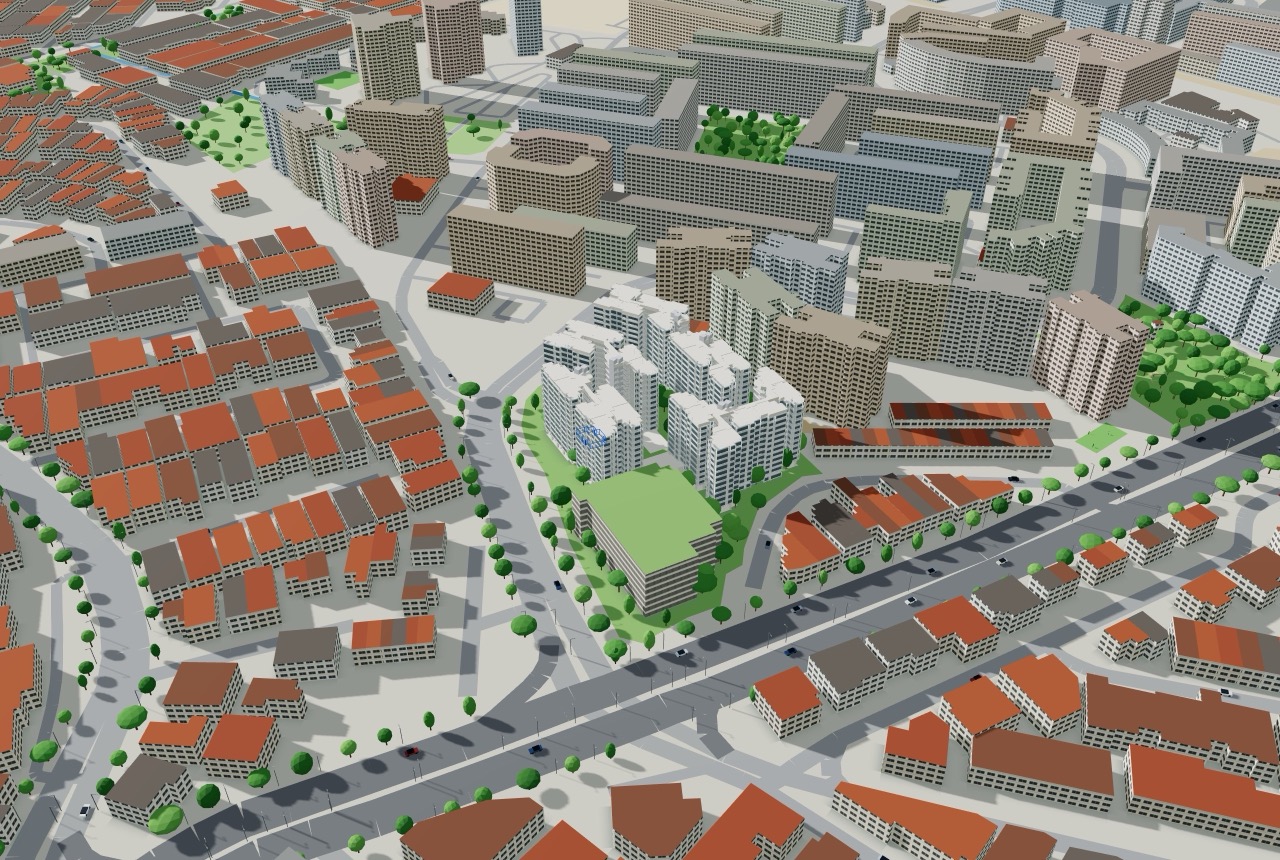
From the whole estate to your front door.

Look at every block from every angle, then go inside the exact unit, so you choose with confidence.

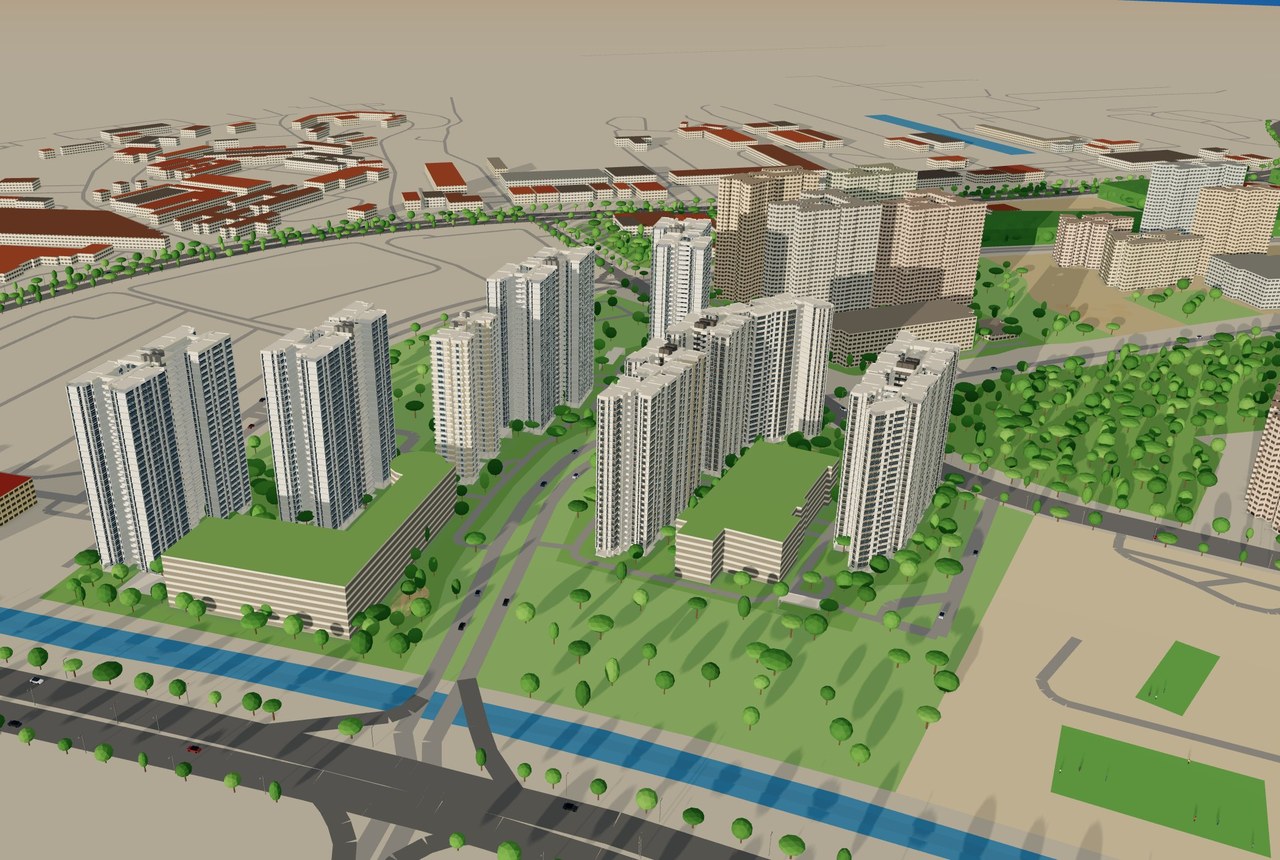
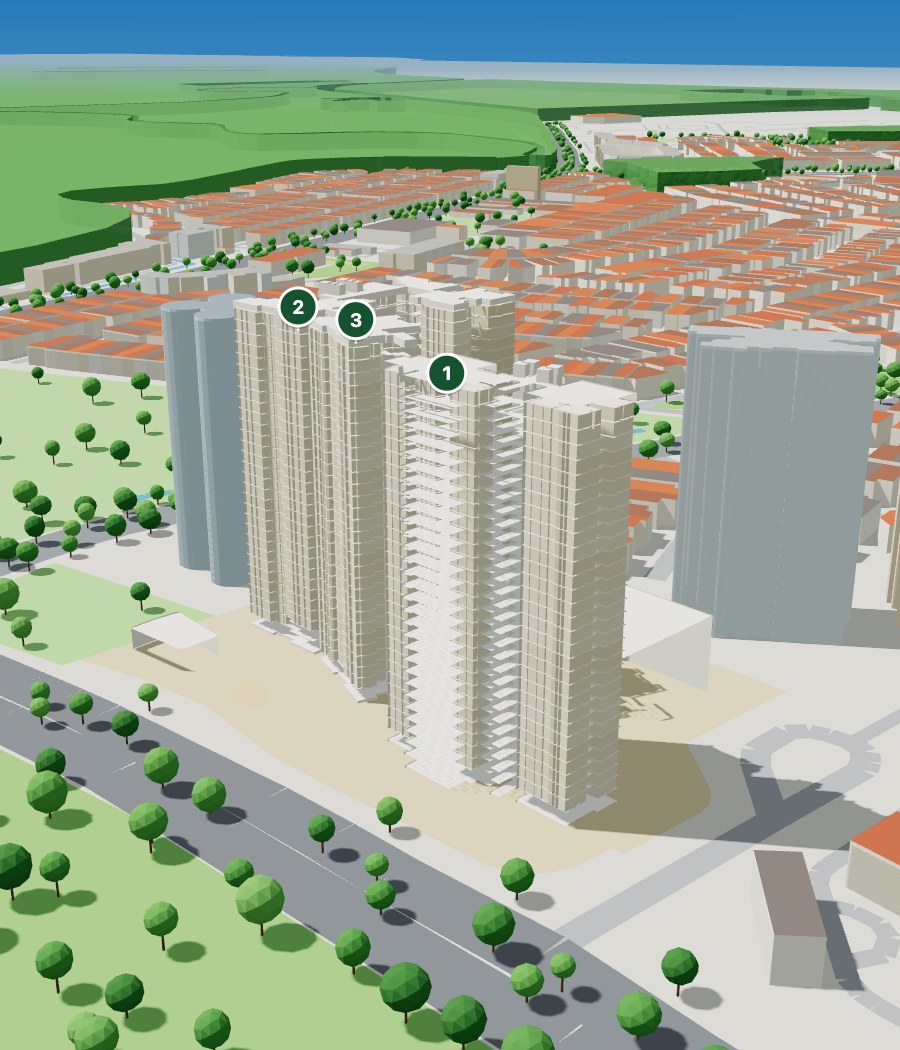
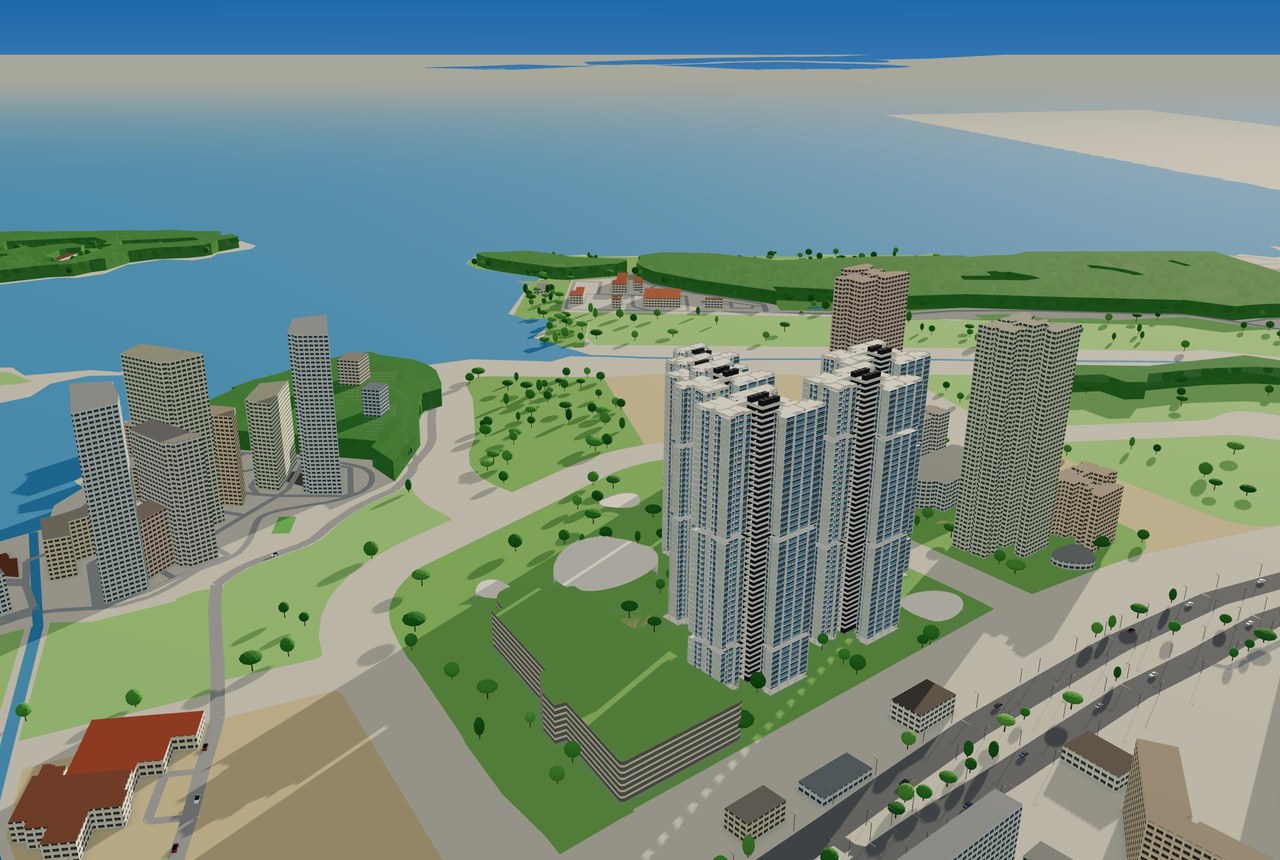
Kebun Baru Breeze in 3D with the top three units pinned
Best units for you
1#22-229 4-roomCool, little afternoon sun
2#29-241 4-roomHigh floor, open view
3#30-237 4-roomTop floor

Which unit suits us?

Pick what matters to you. Every unit in the launch is ranked, with the best three pinned on the model.

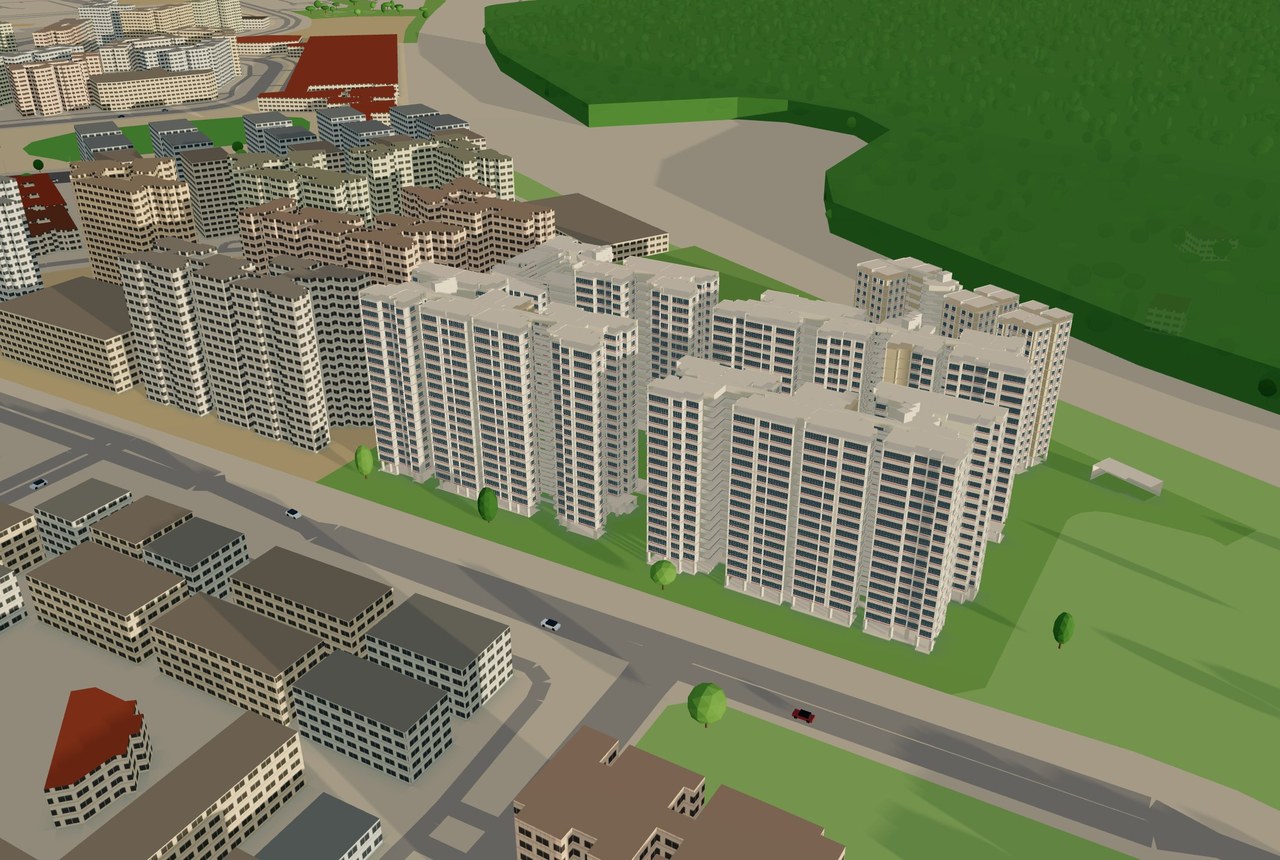
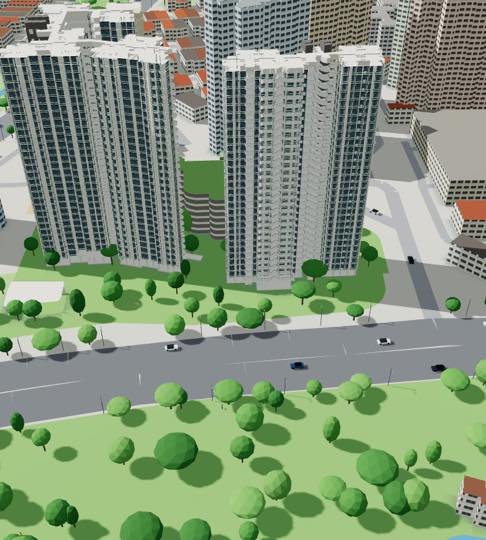
Kebun Baru Breeze in 3D, with the light and shadows changing through a June day

When does the sun hit?

Play the sun through any day of the year and watch the light and shadows move across every block. Drag the time to try it.

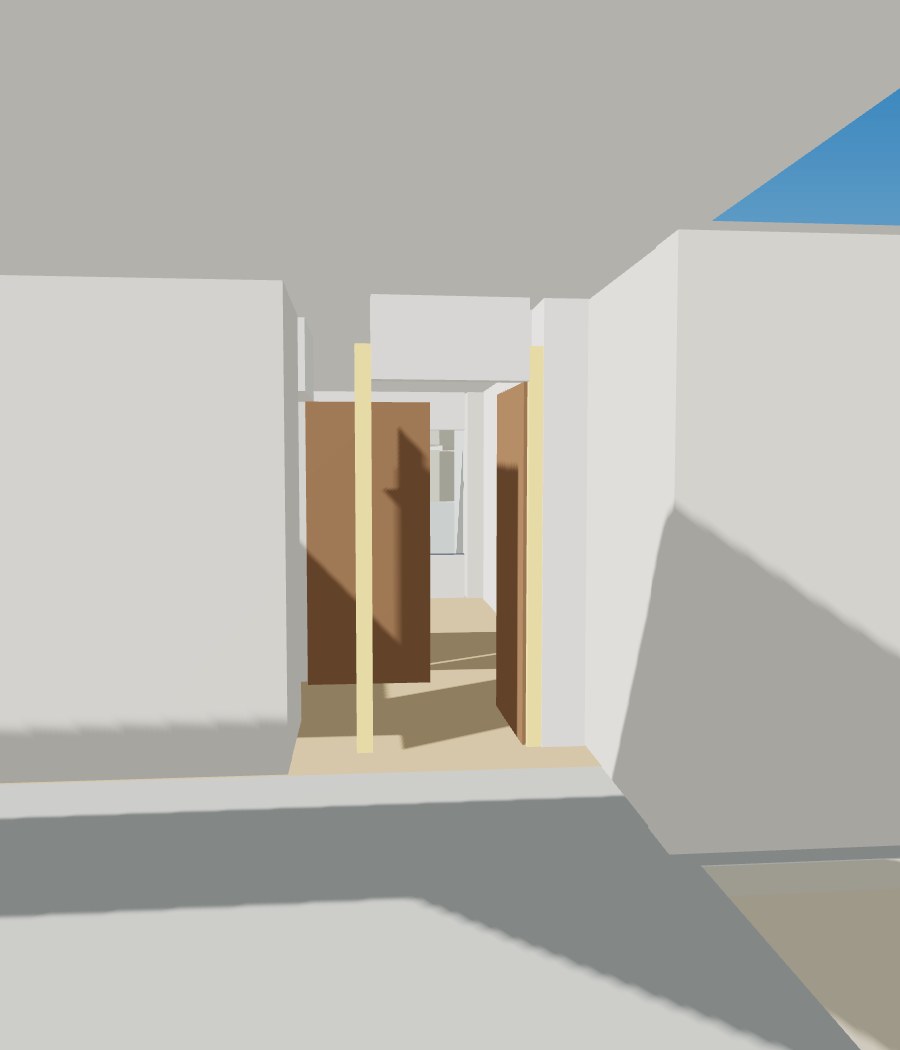
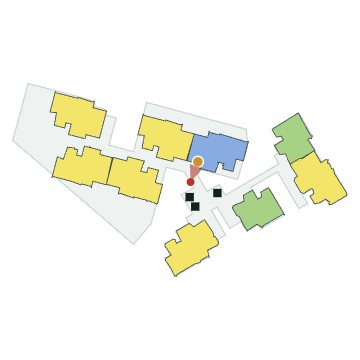
Walking down the common corridor to a front door marked in gold#20-142

Who walks past our door?

Walk from the lift lobby along the corridor to your front door, modelled from the published floor plans.

Why we built this

We were choosing a BTO unit too.

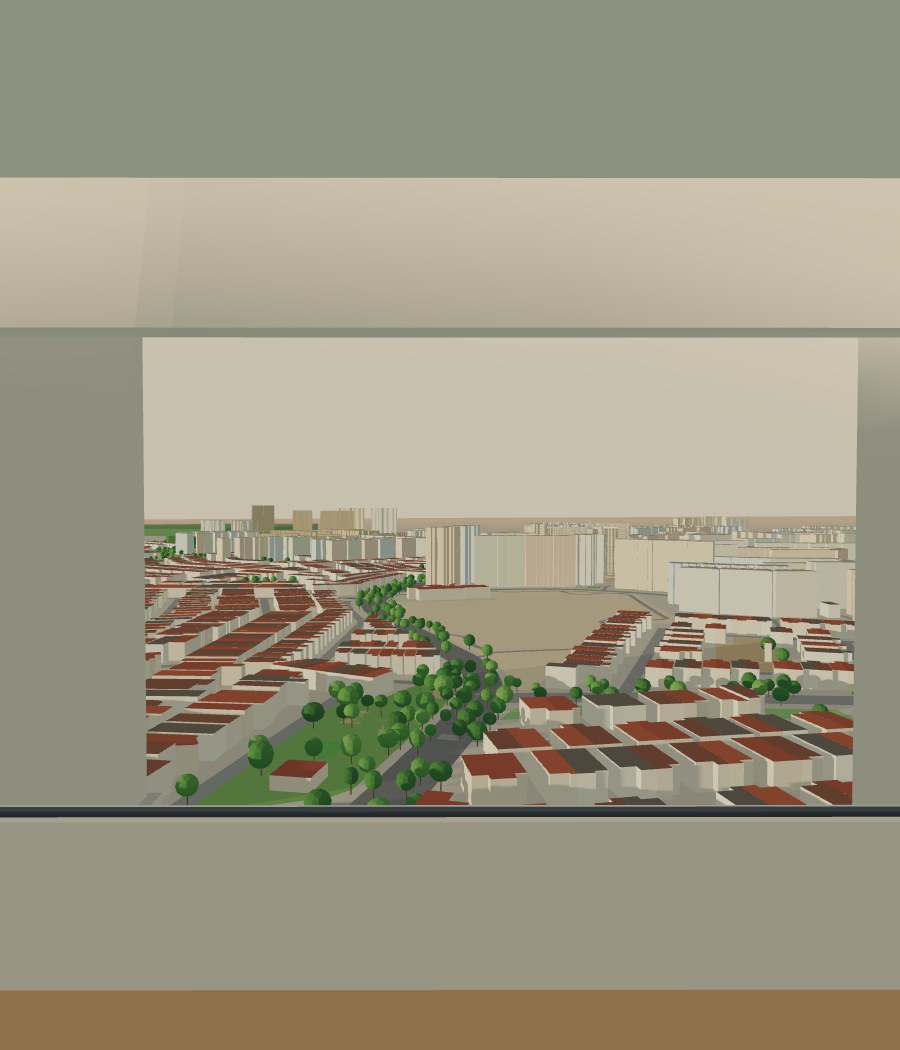
When it was our turn to pick, all we had was the brochure, a few floor plans and a lot of reviews from people who have followed BTO launches for years. Useful, but none of it let us see for ourselves which side gets the afternoon sun, what is outside the window on the 8th storey, or who walks past the front door.

Picking a unit is a race. Everyone in the queue wants the same good stacks, and when your appointment comes you have to decide quickly on a home in a building that does not exist yet.

So we built the tool we wanted: every unit in the launch in 3D, with the sun, the view and the neighbours simulated, so you can test what you prefer before your turn comes. It is there to help you find the unit that suits you and understand it better. It does not choose for you.
Please read before you buy

What BTO Lens is and isn’t.

One more source to use alongside the official information, reviews and your own visit to the area.

It is

  • A tool to help you find the unit you want, and understand it before you choose.
  • A simulation of the sun, views, noise and the walk to your door, built from published floor plans and site information, and from public map data.
  • A way to compare every unit in the launch by what matters to you.

It is not

  • An exact scale drawing. Sizes, heights and window positions are approximate, so please don’t use it to measure for renovation or furniture.
  • A promise about the finished flat. The building, and what gets built around it, can change.
  • Advice on which unit to pick. Do your own checks: visit the area, read the official plans and sales model, and look at the URA Master Plan for what is planned nearby.
BTO launches

Launches

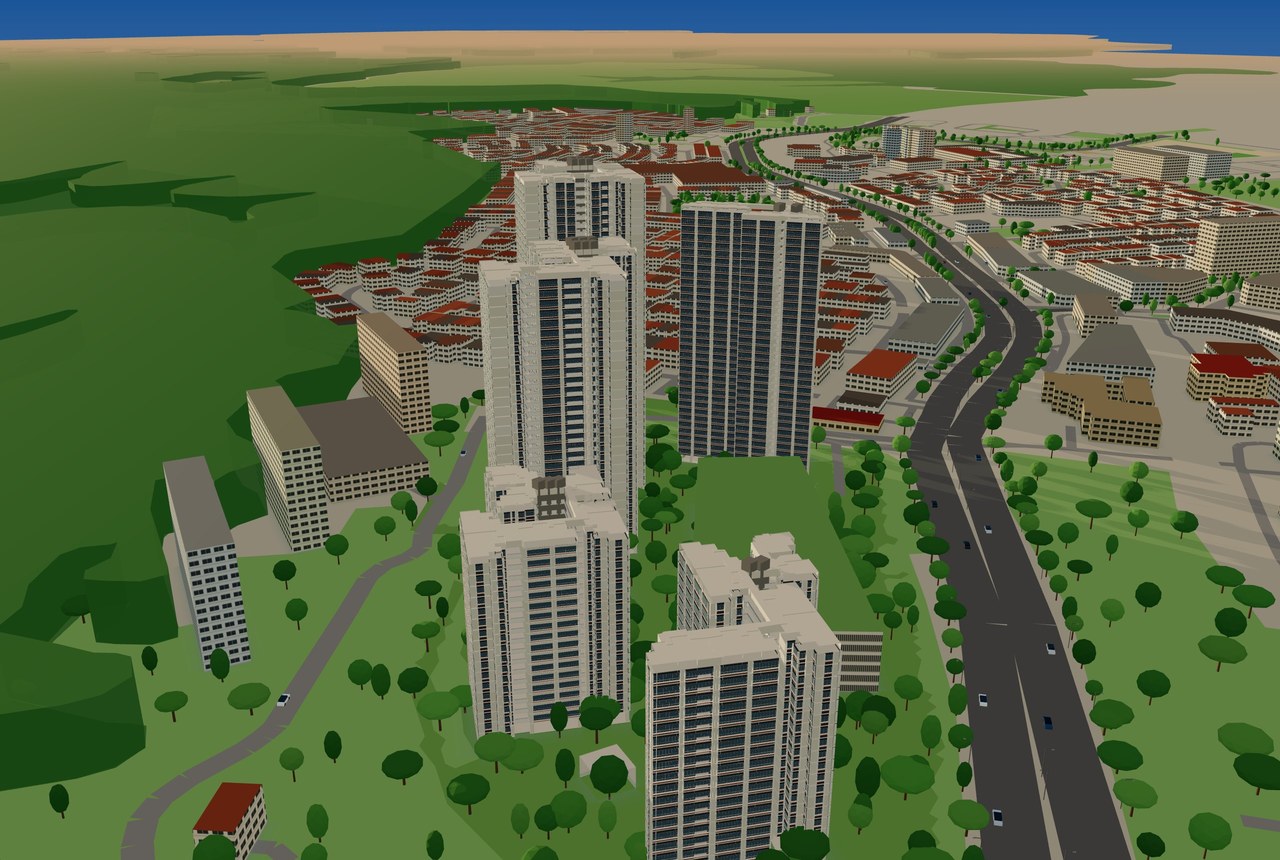
3D model of Mayflower: Kebun Baru Breeze and Kebun Baru RidgeJune 2026

Mayflower: Kebun Baru Breeze and Kebun Baru Ridge

Ang Mo Kio 1,064 homes · 5 blocks
S$19.90for 6 months
3D model of Berlayar RiseJune 2026

Berlayar Rise

Bukit Merah 1,976 homes · 6 blocks
S$19.90for 6 months
3D model of Lakeview CascadiaJune 2026

Lakeview Cascadia

Bishan 1,221 homes · 5 blocks
S$19.90for 6 months
3D model of Sembawang: Sembawang Portico and Sembawang BrookJune 2026

Sembawang: Sembawang Portico and Sembawang Brook

Sembawang 2,035 homes · 8 blocks
S$19.90for 6 months
3D model of Woodgrove AcresJune 2026

Woodgrove Acres

Woodlands 656 homes · 5 blocks
S$19.90for 6 months

Next launch

New BTO projects are modelled after each HDB sales exercise, block by block.

Simple steps

How it works

  1. 1

    Try the free demo

    Turn a past BTO estate in 3D, play the sun through the day and tap any unit. No sign-up.

  2. 2

    Pay once

    Unlock the whole launch for S$19.90, every block and every unit.

    S$19.90 for 6 monthsCardPayNowOne-time
  3. 3

    Use it until you choose

    Six months of access covers the wait for your selection appointment. Compare units and check the sun and the view at any hour.

    ☀ 6:25 PM
Common questions

Frequently asked questions

What information does it show?

For every unit: hours of afternoon sun, what you see from each window, road noise, the walk to the MRT and shops, who shares your floor, an estimated price, feng shui for both of you and a walk-through from the lift lobby.

How accurate is it?

It is a guide to help you picture each unit and think your choice through, not advice on which one to pick. The 3D model is built from the published plans for the launch and from public map data. It is not an exact scale drawing, so don’t use it to measure for renovation or furniture. The finished building can differ: storey heights, window sizes and positions, finishes and what gets built nearby. Treat the walk-through and views as an approximation.

Does it work on my phone?

Yes, but the 3D estate is easiest to explore on a laptop or desktop. On a phone, set Quality to Phone if it feels slow.

Can I try it before I pay?

Yes. The free demo is a past BTO launch in 3D. You can turn the estate, play the sun through the day and tap any unit to see its sun. The view, noise, prices, walk-through and your ranking come with a current launch.

How long is my access?

6 months from the day you pay, long enough to cover the wait from launch to your selection appointment. It doesn’t renew.

Can I get a refund?

Yes, within 7 days if it doesn’t work properly on your device.

Are our birth dates stored?

No. Feng shui is worked out in your browser and the dates stay on your device.